






Pick OpenAI, Anthropic, Google, Groq, or Cerebras for each job, or connect your own keys.
/ articles, blogs, and documents /
Content translation software in your brand’s voice
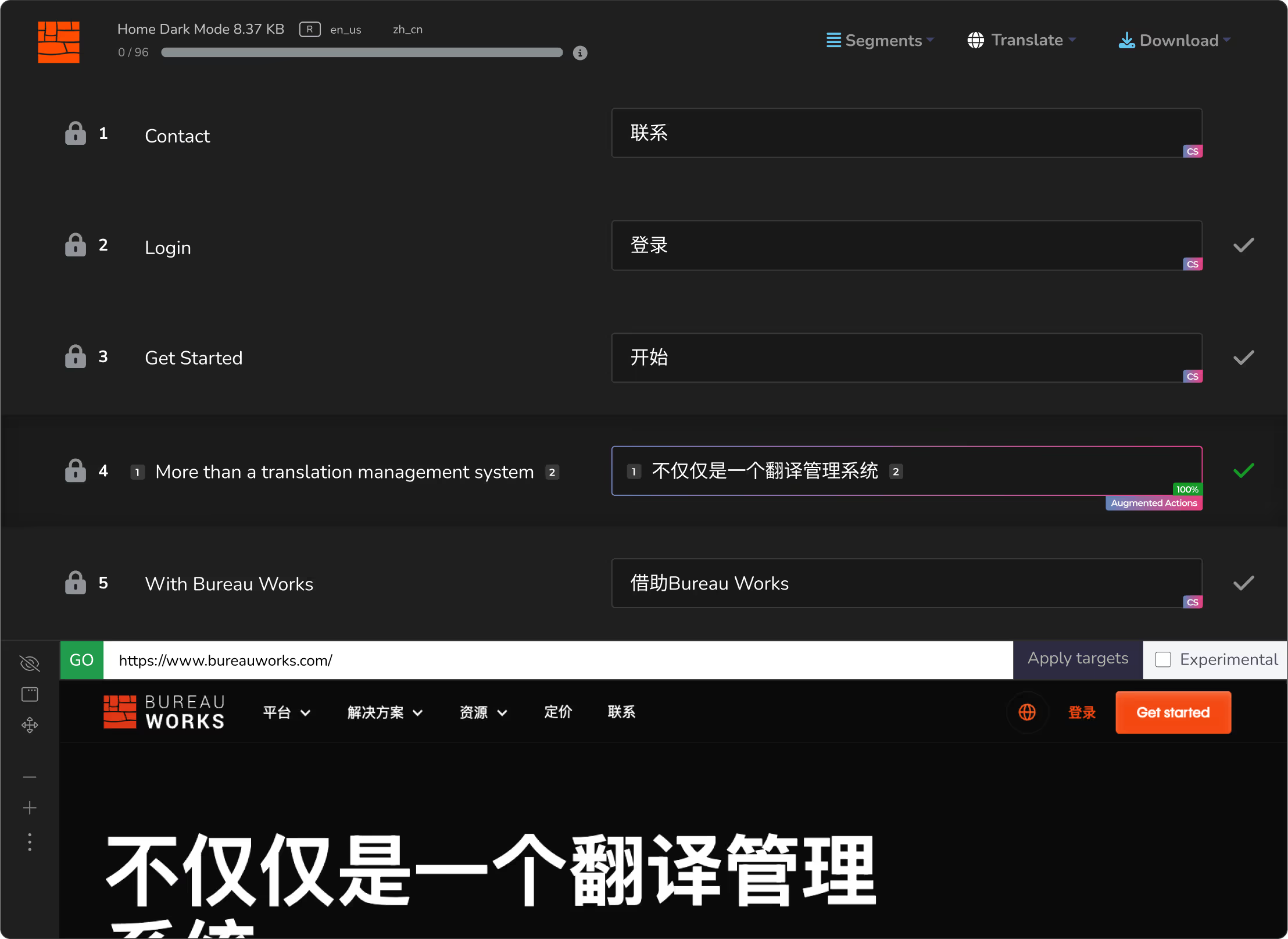
Blog posts, articles, and documents, in one place for your writers and linguists. Free-Flow, the wxrks editor for running text, translates a whole passage at once with your approved terms. Every sentence is checked for meaning before it goes live.
Bring a post to the demo- 19 integrations including WordPress, Contentful, and Webflow
- 300+ companies run translation on wxrks
- G2 4.6 out of 5
/ teams that run translation on wxrks /
/ one voice per team /
Each team’s content, in its own voice
A general AI tool gives your blog, your legal pages, and your help center the same voice. The friendly tone turns stiff, and the product name changes halfway through a post.
In wxrks, marketing, legal, and support each get their own translation memory, glossary, and AI model, set up once and followed by every project. Sous-Chef, the wxrks agent for tone and style, keeps the blog casual and the legal pages formal.
part 02before it goes live
Every sentence checked before it goes live
An AI tool can turn “strong” into “excellent,” and nobody notices until a reader does. Smells, the wxrks check for meaning, reads each segment for distortions, inconsistencies, and awkward phrasing. It gives each one a Confidence Score from 0 to 100.
Clean sentences go straight through
A segment that clears the score you set is locked and ready to publish, so nobody spends time on it.
Small slips fixed for you
Tags, punctuation, and spacing are corrected automatically.
Judgment calls go to a person
When meaning, terms, or tone is in doubt, the segment goes to the editor you named.
Your editors read what needs an editor.
Each flag names the problem and the reason. An editor fixes it in place, and the fix goes into your memory for the next post.
Content in and out from the tools you write in
ConnectorsNew posts arrive on their own
WordPress, Contentful, Webflow, Drupal, Marketo, Zendesk, and more. New and changed content comes into wxrks, and translations go back.
DocumentsFiles from any team
Documents, Apple Pages, Keynote, and Numbers files, and multilingual Excel, with a live preview next to the text.
RequestsAnyone can ask for a translation
Colleagues drop files in the Portal, the wxrks page for requests, follow their progress, and get them back with a Confidence Score.
/ review /
Every edit visible, word by word
Reviewer changes show next to the translation, with their comments. Compare any two versions word by word.
Mention a colleague and only that person is notified. Threads resolve when the question is answered, and a QA check flags any thread left open.
/ AI you control /
The AI you want, on the content you choose
Turn off any of the ten AI actions in the editor for the account, one team, or one project.
AWS hosting in the US or the EU, chosen at signup on every plan.
Models keep nothing between requests, and no customer content trains any model.
/ who uses it /
One platform for the teams that publish
Connect the CMS once, keep one voice per brand, and send editors the sentences that need them.
Give each client its own memory, glossary, and tone, and let clients track their requests in the Portal.
Questions content teams ask us
Does wxrks translate our content for us?
No. wxrks is the platform your people translate in, whether they’re in-house writers, agencies, or freelancers. Each of them starts from AI suggestions based on your memory and glossary. If you need more hands, the wxrks Marketplace lists agencies and translators who already work in wxrks.
Which CMS platforms does wxrks connect to?
WordPress, Contentful, Webflow, Drupal, Adobe Experience Manager, Zendesk, Marketo, and more, 19 integrations in all.
Can we keep different tones for different content?
Yes. Sous-Chef saves tone and style as profiles, and you apply them by account, client, project, or language pair.
Can we keep our content out of AI training?
You don’t have to do anything. No customer content trains any AI model, and the models wxrks uses keep nothing between requests. That’s in our data processing agreement.