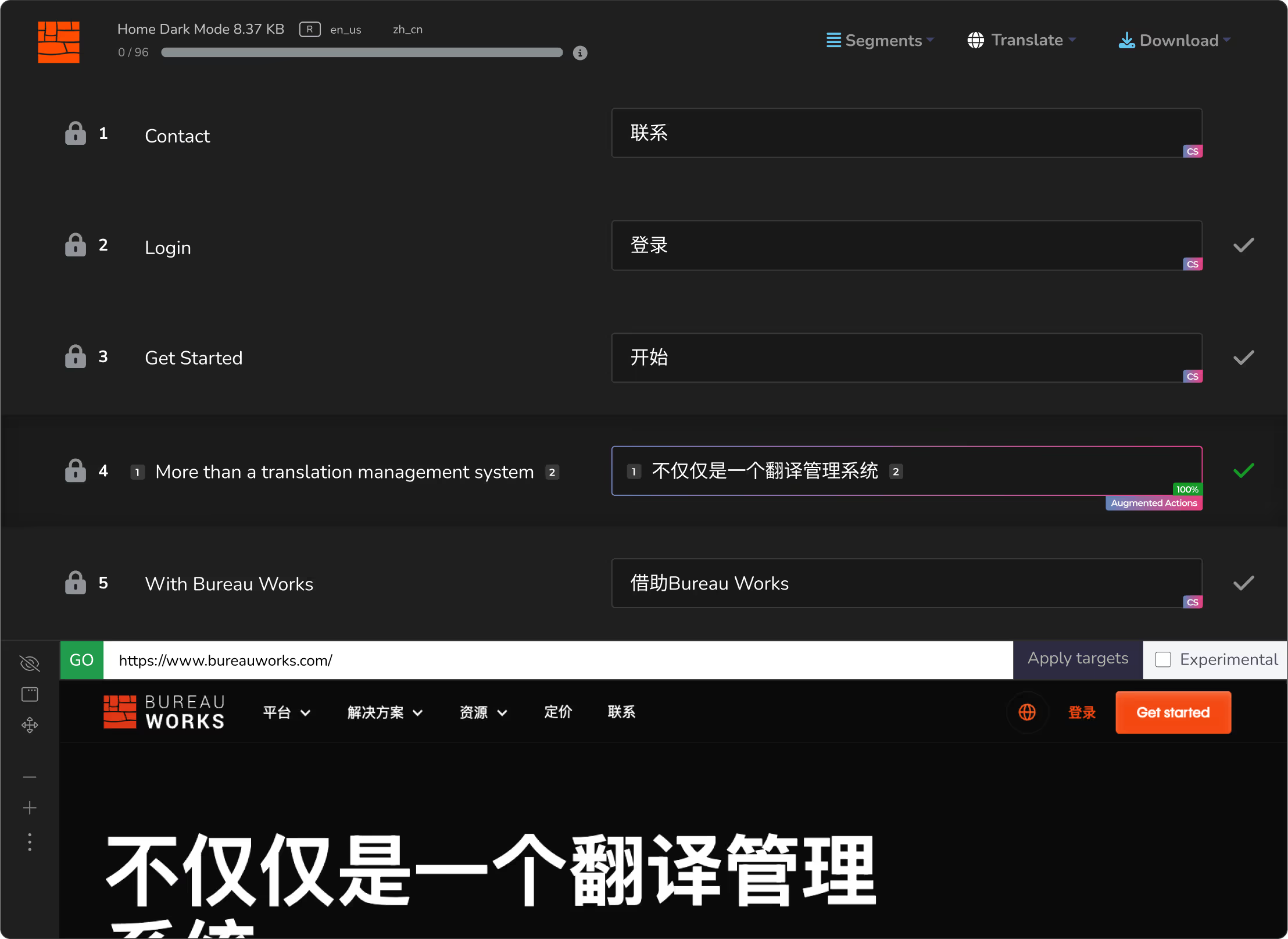







Keep one glossary per brand or product line, choose the fields each term needs, and approve every new term on the board. Agencies and freelancers work on that same glossary inside your account.
/ terminology management /
Your approved terms in every language
Keep a glossary for each brand, client, or team. Each new term moves across an approval board until it’s published or rejected. AI suggestions, autocomplete, and the wxrks meaning check all read the same glossary.
See it with your own glossary- One glossary for each brand, client, or team
- Priority order when a project uses several glossaries
- Forbidden terms never offered in autocomplete
/ teams that run translation on wxrks /
/ the terminology board /
Every new term, approved in one place
A new product name shows up in the source. One linguist translates it one way in French, another picks a different word in German, and both reach your memory before anyone decides.
On the wxrks terminology board, each term request moves through lanes, from new to in progress, then to published or rejected. You choose which fields every term must have, so each one arrives complete.
/ learning terms /
A glossary that grows while you translate
Learning Terms reads your projects and suggests terms for the glossary. You decide which ones stay.
Smart terms match your terminology even when the language inflects it. Your glossary says “relatório.” The segment says “relatórios.” It still counts as your approved term.
Your glossary in every step of the work
AutocompleteApproved terms as you type
Autocomplete offers terms from your glossary, memory, and AI. Tab accepts. Forbidden terms never appear.
AI suggestionsGlossary terms in every suggestion
Every AI suggestion shows the glossary terms and memory matches behind it. When a project uses several glossaries, they apply in the priority order you set.
SmellsA flag for every swapped term
Smells, the wxrks check for meaning, reads your glossary before it flags. Your glossary says “Fast Delivery” becomes “Entrega Rápida.” If the segment says “cesta,” Smells flags it and names the approved term.
/ who uses it /
Shared terms for teams, agencies, and linguists
Keep each client’s glossary in its own unit. Send a whole project to a client’s or partner’s wxrks account with a work package, which carries the memory and glossary with it.
Questions about terminology
Can we import our existing glossaries?
Yes, at any size. Then try wxrks in a 30-day proof of concept, with your own reviewers on your own content.
Can one project use more than one glossary?
Yes. Glossaries apply in the priority order you set.
How do new terms get approved?
On the terminology board. Each request moves through lanes, from new to in progress, then to published or rejected. Learning Terms also suggests new terms from your projects.
How do we keep a banned term out?
Mark it forbidden. Autocomplete never offers a forbidden term, and Smells reads your glossary before it flags a segment.