

Try Starter with no credit card, and move up when your work grows.
/ for freelance translators /
Translation software with each client’s terms
A general AI tool gives every client the same words. In wxrks, each client keeps its own glossary, memory, and tone, and every AI suggestion starts from them. You decide what goes out. Start free with one client, and add more clients from the Starter plan.
Try Starter free for 14 days- 14-day trial with US or EU hosting
- 84 of 100 AI suggestions kept with no edit in our October 2026 research
- G2 4.6 out of 5
/ one language, many clients /
Each client gets its own terms and tone
One German client wants “Sie.” The next one wants “du.” A general AI tool doesn’t know which client you’re working for, so you fix the same words on every job. The fix is gone by the next one.
In wxrks, each client keeps its own glossary and translation memory. Sous-Chef, the wxrks agent for tone and style, holds each client’s formality, tone, and audience. Every suggestion follows the client you’re in, and every segment you confirm goes back into that client’s memory.
part 02every segment
A second read on every segment
QA checks catch a broken tag. They don’t catch the sentence you skipped in the third hour of a long file. Smells, the wxrks check for meaning, reads each segment against the client’s glossary, memory, and instructions. It flags omissions, distortions, and incorrect translations, and gives each segment a Confidence Score from 0 to 100.
The right term, every time
When a glossary term was replaced, the flag shows the right one.
Small slips fixed for you
Tags, punctuation, and spacing are corrected automatically.
Missing sentences caught
A sentence left out is flagged before you deliver.
You decide every fix.
Each flag names the issue and the reason behind it. You accept it, fix it your way, or move on.
Your past work, ready for the next job
AlignerTurn old files into a memory
Upload your originals and their translations. The Aligner pairs them into a TMX file you can use on the next job.
TMillClean the memory you already have
TMill runs a dozen checks on a memory or TMX file and lists what it finds. You approve each fix.
Learning TermsA glossary that grows as you translate
Learning Terms reads your projects and suggests new terms. Smart terms match a term even when the language changes its ending.
/ full context /
The whole document, next to your segment
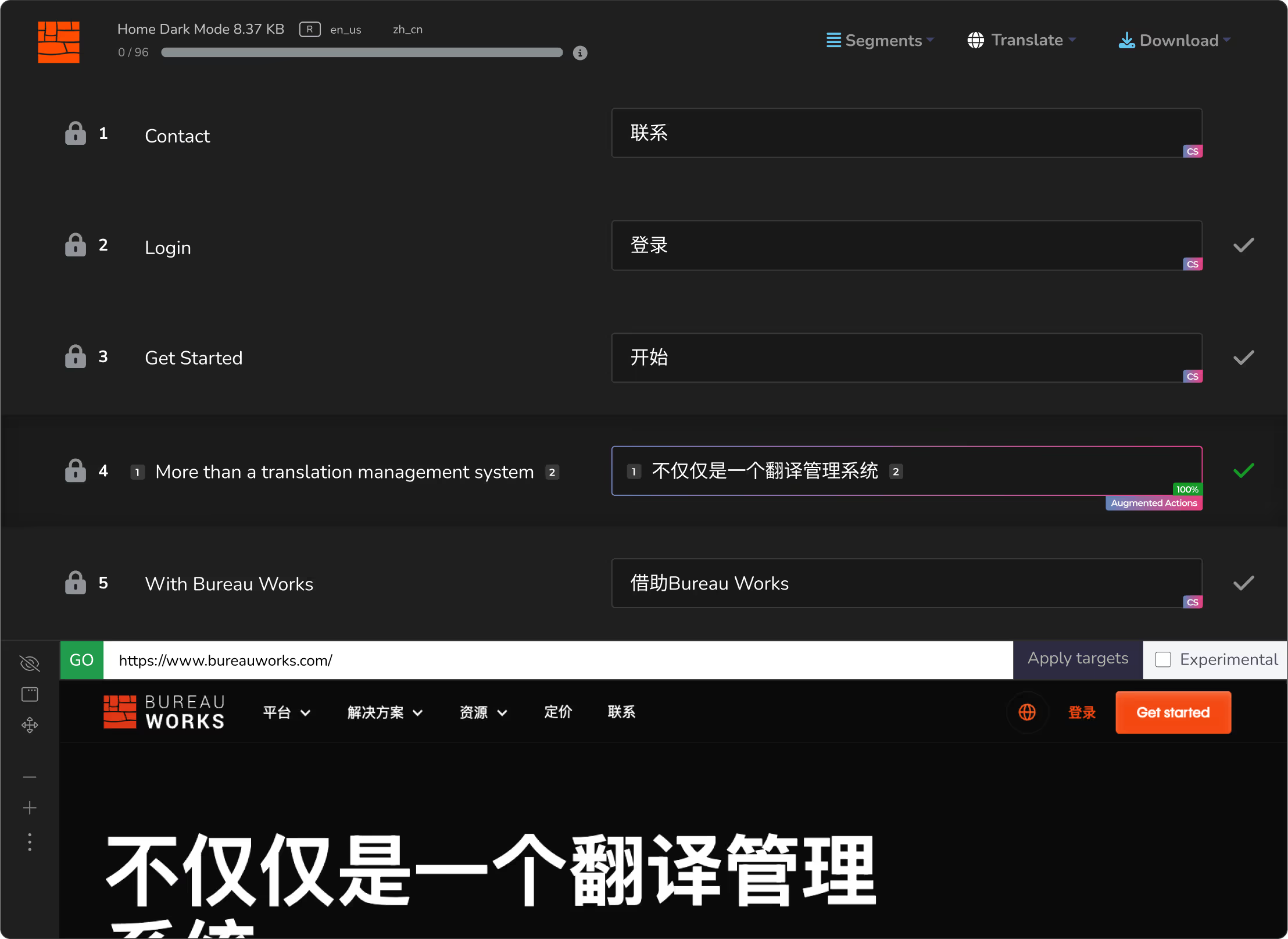
A segment on its own can hide what it means. wxrks shows a live preview of documents, web pages, software strings, and video subtitles next to the segment you’re in. Each suggestion shows where it came from in your memory and glossary.
For running text, Free-Flow lets you translate a whole passage at once. The segments stay underneath.
/ the basics /
Simple to start, safe for client files
Pick US or EU hosting when you sign up, on every plan.
Nothing you translate is used to train an AI model. Our data processing agreement says so.
Use OpenAI, Anthropic, Google, Groq, or Cerebras, or plug in your own keys.
/ who uses it /
One editor for every kind of freelance job
Keep a glossary, memory, and tone for each client. Clients can send files, follow progress, and get work back in the Portal, the wxrks page for requests.
Agencies on wxrks bring you into their account. You translate with their memory and glossary, and your Paid tab shows which tasks have been paid.
Questions translators ask us
Is there a free plan?
Yes. Start on the Free plan and choose US or EU hosting when you sign up. Pricing shows what each plan includes.
Can I bring my translation memories and glossaries?
Yes. Import them at any size. If you only have past files and their translations, the Aligner pairs them into a TMX file.
Will my clients’ files be used to train AI?
No. The models in wxrks are stateless, which means they keep nothing between requests, and no customer content trains any model. That promise is in our data processing agreement.
Which files can I translate?
Documents, websites, software strings, video subtitles, XML and XLIFF, Apple Pages, Keynote, and Numbers files, and multilingual Excel.