






Independently audited since 2020.
/ eLearning and training /
eLearning translation software with your course terms
Lessons, quizzes, and training videos, in one place for your team and your linguists. AI suggests from your own approved terms and past translations. Subtitles are edited as text while the video follows. Your subject experts review what goes out.
Bring a course to the demo- 300+ companies run translation on wxrks
- G2 Leader for translation management systems
- US or EU hosting, your choice
/ teams that run translation on wxrks /
/ lesson and quiz, one term /
The same term in the lesson and the quiz
The lesson calls it “lockout.” The quiz, translated on another day, uses a different word. Now a learner who studied the lesson doubts the right answer. A general AI tool translates each file on its own, so the two drift apart.
In wxrks, every course draws on one glossary and one translation memory. New terms move across your terminology board until someone publishes them. Learning Terms reads your projects and suggests terms to add, so the glossary grows while you translate.
part 02before learners see it
Every segment scored before review
Compliance training can’t lose a sentence, and tag and number checks won’t notice if it does. Smells, the wxrks check for meaning, reads every segment for omissions, distortions, and incorrect translations. It gives each one a Confidence Score from 0 to 100.
Clean sentences go straight through
A segment that clears the score you set is confirmed on its own, so nobody spends time on it.
Small slips fixed for you
Tags, punctuation, and spacing are corrected automatically.
Judgment calls go to a person
When meaning, terms, or tone is in doubt, the segment goes to your subject expert.
Stricter for compliance, lighter for onboarding.
Set Smells sensitivity to Low, Standard, or High, and choose the score that confirms a segment, for each team or project.
Text, video, and voice, in one workflow
Workflow stepsYour subject experts in the loop
Transcription, translation, editing, and review, in the order your team needs. You name the person for each step.
VideoSubtitles and a voice per speaker
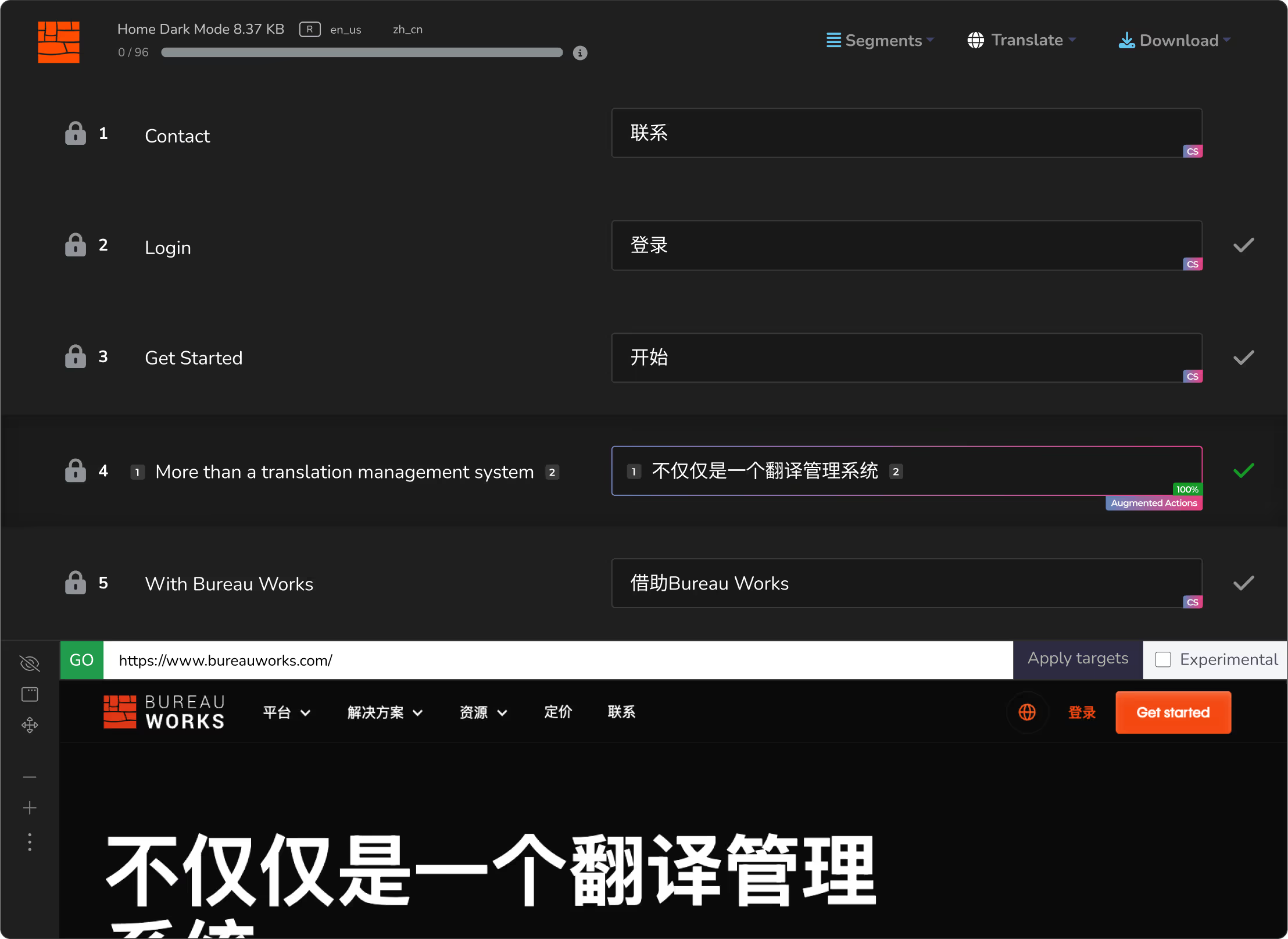
Edit subtitles as text with the video following, and give each speaker their own voice.
Course filesA live preview as you translate
Documents and video subtitles get a live preview next to the segment. XML and XLIFF preview through a stylesheet.
/ course updates /
A module changes, only its edits go back
Training content changes after launch. When the source changes mid-project, Update Source sends back only the sentences that changed.
Sous-Chef, the wxrks agent for tone and style, keeps a profile per course with its audience and formality. Set it once for new hires in Brazil and once for field technicians in Germany, and every AI suggestion follows.
/ security /
Training content, kept safe in your account
Your content stays in the region you choose, opens only for the people you let in, and never trains an AI model. Send us your security questionnaire.
AWS in the US or the EU (Ireland), chosen at signup on every plan.
Models keep nothing between requests, and no customer content trains any model. It’s written into our data processing agreement.
What wxrks learns lives in your memories, glossaries, and instructions, never in a model.
SAML 2.0 with any provider, including Okta, OneLogin, and Microsoft Entra ID. Require it for the whole account.
SCIM adds and removes people as your directory changes. Set multi-factor sign-in, session length, and password rules.
Roles and permission groups, and any permission can be turned off for one person.
Files are stored apart for each account, every access is logged, and every connection uses TLS 1.2 or higher.
/ who uses it /
One platform for every course team
Give each program or region its own memory, glossary, and reviewers, and follow progress by language and project.
Give each client its own memory, glossary, and price list. Clients send courses and follow them in the Portal, the wxrks page for requests.
Questions training teams ask us
Does wxrks translate our courses for us?
wxrks is the platform your linguists use. They can be your own trainers and translators, an agency, or freelancers, and they all start from AI suggestions built on your memory and glossary. The wxrks Marketplace lists agencies and translators who already work in wxrks.
Does wxrks handle training videos?
Yes. Free-Flow, the wxrks editor for running text, edits subtitles as text with the video following, and gives each speaker their own voice.
What happens when a course changes?
When the source changes mid-project, Update Source sends only the changed sentences back to your linguists.
Can we keep the memories we already have?
Yes. Import memories and glossaries at any size, and run a 30-day proof of concept on a real course with your own reviewers.