






Independently audited since 2020.
/ app translation /
App translation that fits every screen
Strings arrive from GitHub or GitLab on their own. Your linguists translate them with your approved terms and past translations, and see each one in its layout. Every string is checked for meaning before release.
Book a demo for your app- 19 integrations including GitHub, GitLab, and Figma
- 300+ companies run translation on wxrks
- SOC 2 Type 2 independently audited since 2020
/ teams that run translation on wxrks /
/ room on the button /
Translations that fit the button they’re on
“Only 3 left in your size” becomes “Nur noch 3 in Ihrer Größe verfügbar” in German, 11 characters longer. A machine translation API returns the longer line and leaves the layout to someone else.
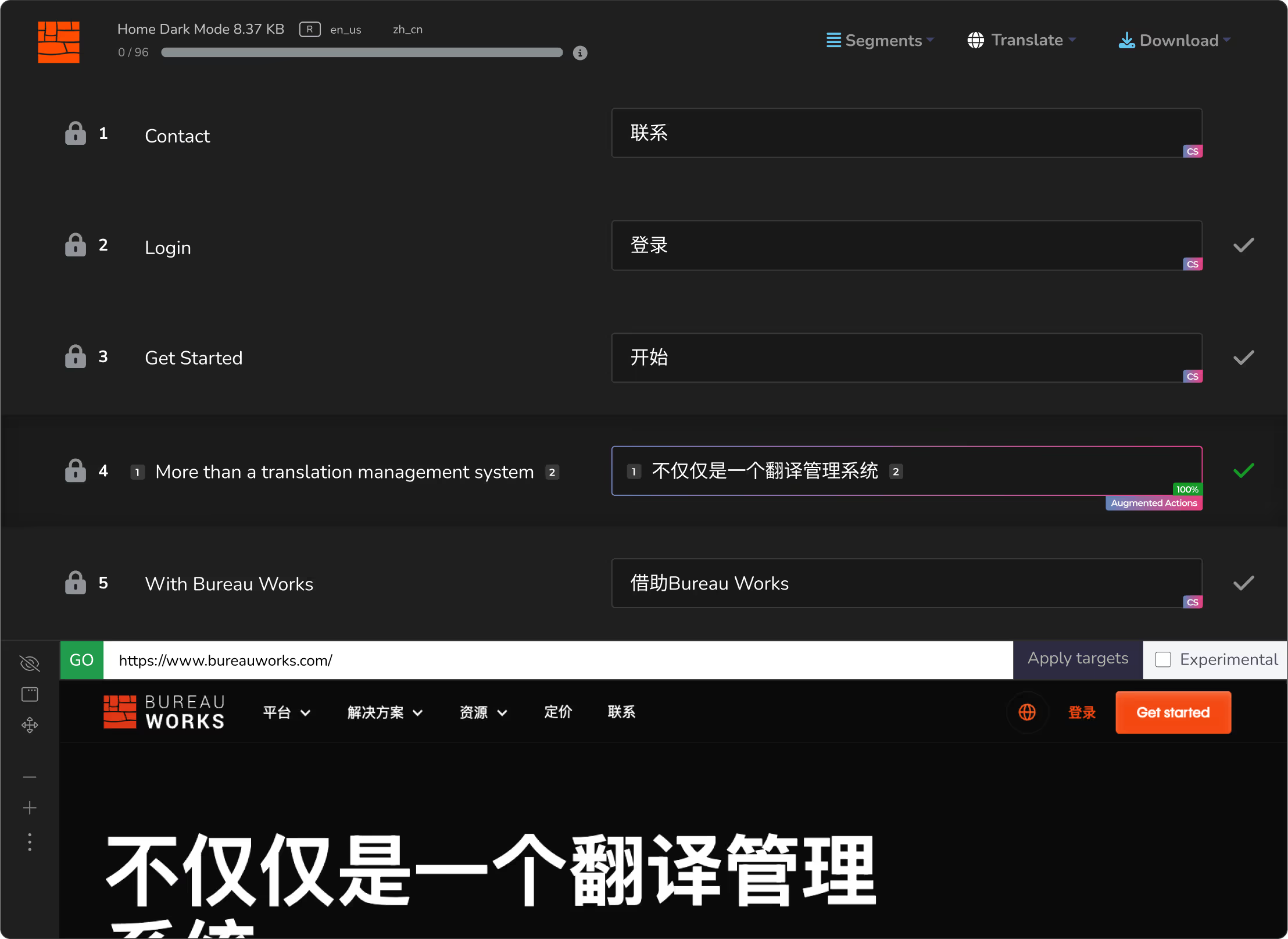
wxrks shows each string in a live preview, and Figma preview marks text that overflows the design. When the source changes mid-sprint, Update Source sends back only the sentences that changed.
part 02before release
A release gate for every language
An LLM in your build can translate a string. It can’t tell you whether “Add to cart” still means add to cart. Smells, the wxrks check for meaning, reads every segment for omissions, distortions, and incorrect translations. It gives each one a Confidence Score from 0 to 100.
Clean sentences go straight through
A segment that scores above your threshold is locked for release, so nobody spends time on it.
Small slips fixed for you
Tags, punctuation, and spacing are corrected automatically.
Judgment calls go to a person
When meaning, terms, or tone is in doubt, the segment goes to the reviewer you named.
Auto-confirm what scores high.
Pre-translated strings above a Confidence Score you set confirm on their own. Set Smells sensitivity to Low, Standard, or High for each job.
From repo to release, in one account
Repos and designGitHub, GitLab, and Figma
Connect them once. New and changed strings arrive in wxrks on their own.
API, CLI, and webhooksThe rest runs from code
Start projects from the public API or the wxrks CLI. Signed, retried webhooks keep your build in step.
ModelsThe AI model you choose
Pick OpenAI, Anthropic, Google, Groq, or Cerebras for each job, or bring your own keys. Each team can use a different one.
WorkflowReview steps in your order
Translation, editing, review, and a second review, each step with a person you choose.
/ cost and progress /
AI usage and progress, in one dashboard
See progress by language, project, and portfolio.
See AI token usage, the unit your AI model bills by, for each feature and team, with a forecast, so AI cost is a number you can plan for.
/ security /
Ready for your security team
Your content stays in the region you choose, opens only for the people you let in, and never trains an AI model. Send us your security questionnaire.
AWS in the US or the EU (Ireland), chosen at signup on every plan.
Models keep nothing between requests, and no customer content trains any model. It’s written into our data processing agreement.
What wxrks learns lives in your memories, glossaries, and instructions, never in a model.
SAML 2.0 with any provider, including Okta, OneLogin, and Microsoft Entra ID. Require it for the whole account.
SCIM adds and removes people as your directory changes. Set multi-factor sign-in, session length, and password rules.
Roles and permission groups, and any permission can be turned off for one person.
Files are stored apart for each account, every access is logged, and every connection uses TLS 1.2 or higher.
/ who uses it /
One account for everyone who ships the app
Connect the repo and Figma once, and get strings back translated, previewed, and scored.
Choose the reviewers, models, and thresholds for each app, and see progress and AI cost in one dashboard.
Questions app teams ask us
Does wxrks translate our app for us?
wxrks is the platform your linguists work in, whether that’s your own team, an agency, or freelancers. Each one starts from AI suggestions built on your memory and glossary. To find more linguists, see the wxrks Marketplace, which lists agencies and translators already working in wxrks.
Which file types work for apps?
Software strings, XML, and XLIFF, plus documents, websites, and video subtitles. Software strings get a live preview.
Can we see translations in the design?
Yes. Figma is one of the connectors, and Figma preview marks any text that overflows the design.
Will our strings train an AI model?
No. The AI models in wxrks are stateless, so they keep nothing between requests, and no customer content trains them. Our data processing agreement commits to it.
Can we try it on our own app?
Yes. Load your existing memories and glossaries, however large, and spend 30 days testing wxrks on your app with your own reviewers.